
Projects
A project is the top-level container for a body of work. It brings together a team, a description of the goal, and all the tasks needed to get there.
Creating a Project
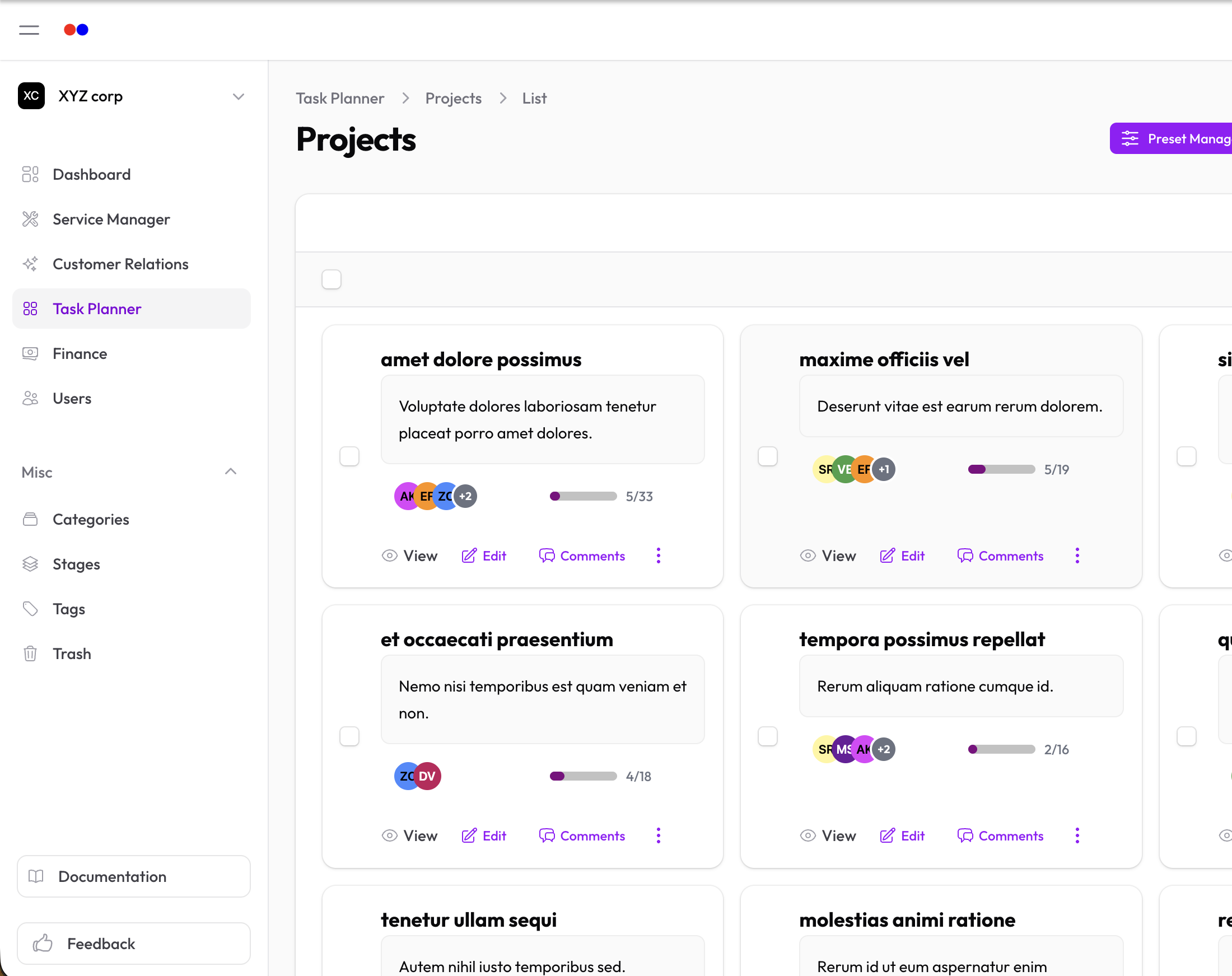
- Go to Task Planner → Projects
- Click New Project
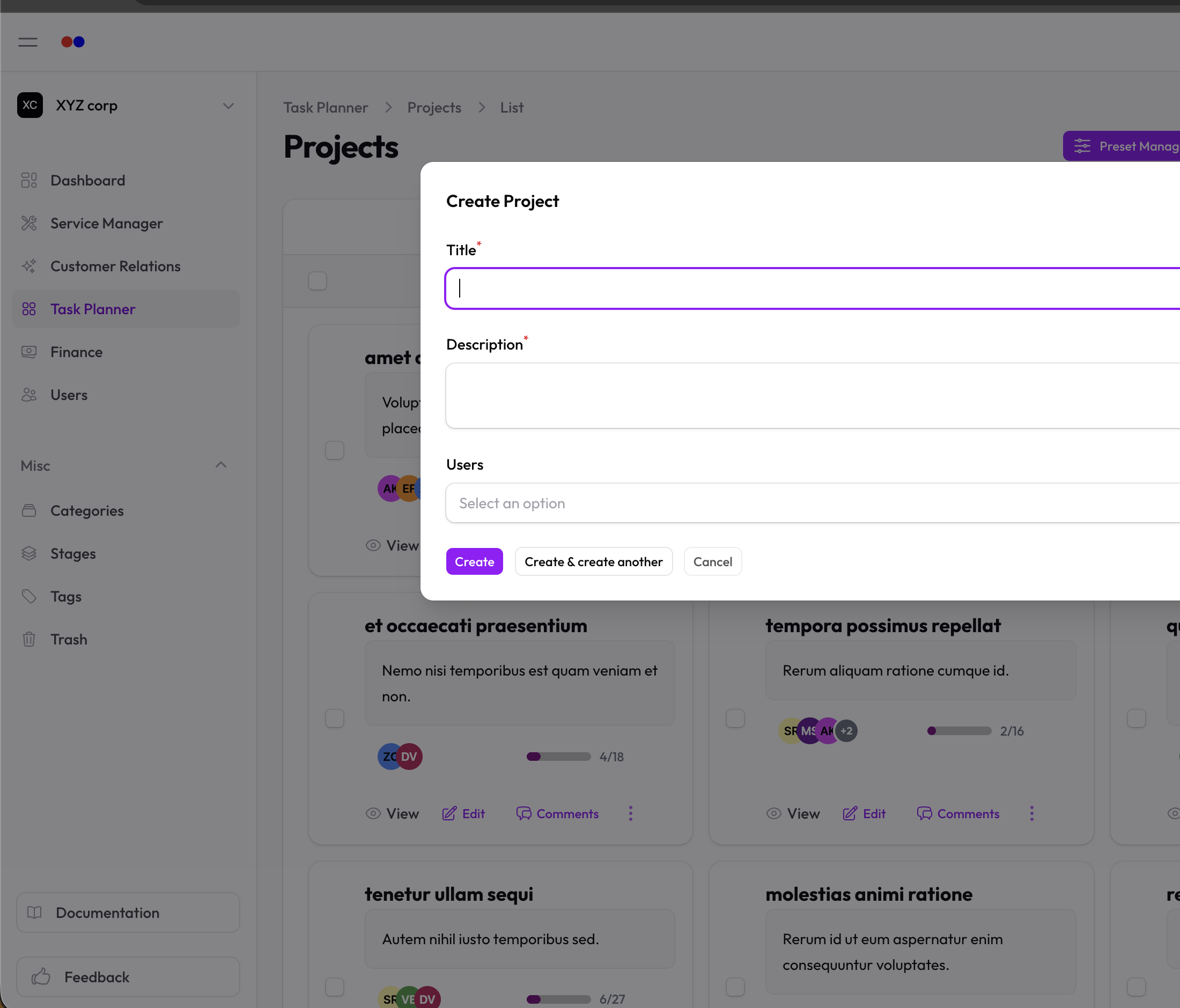
- Fill in:
- Title — What the project is (e.g. "Website Redesign", "Q3 Campaign")
- Description — Context and goals for the project
- Team members — Select the users who'll be working on it
Viewing a Project
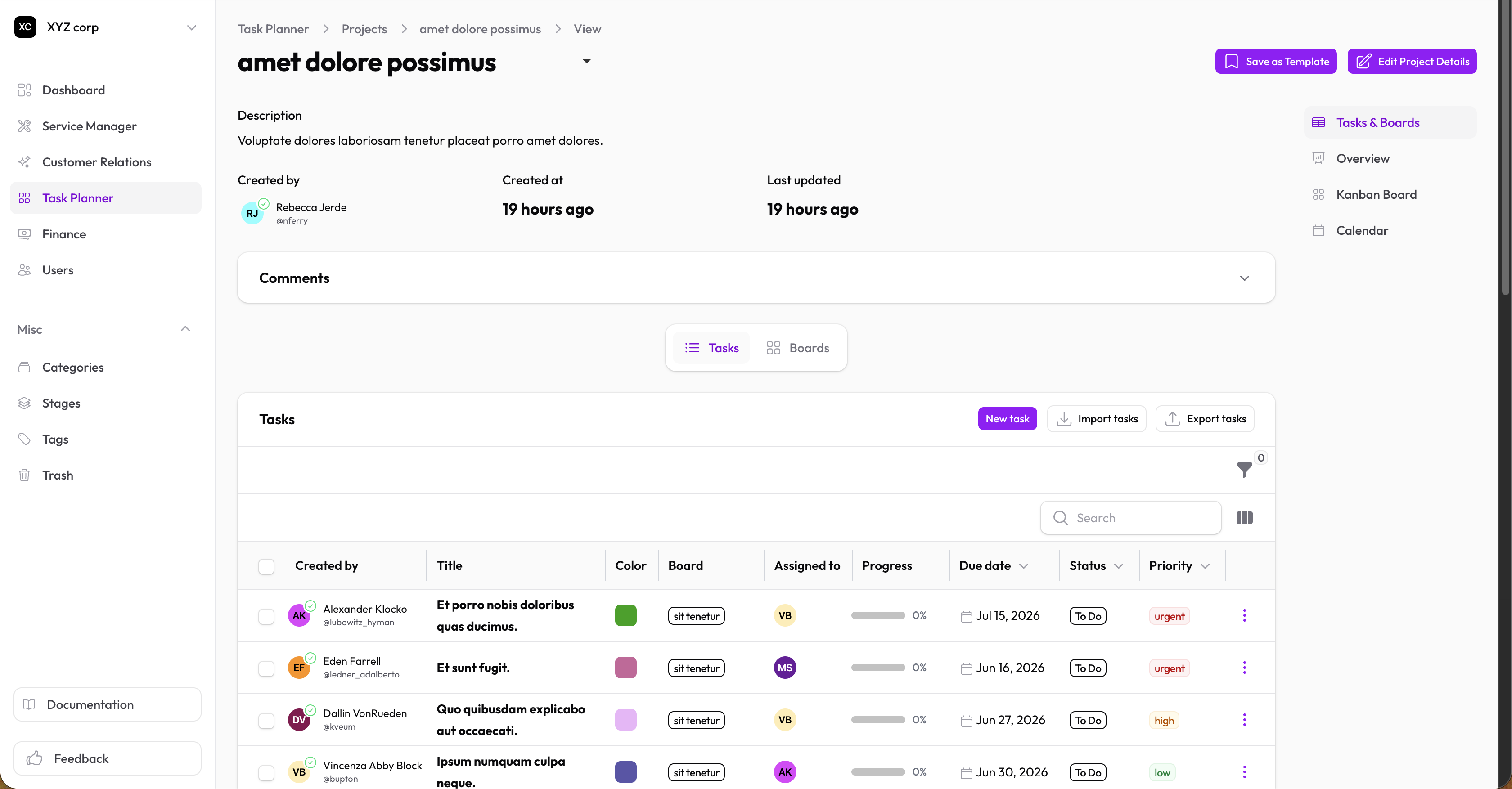
Click on any project to open its detail view. From here you can:
- Edit the project details
- See all tasks linked to the project
- Open the Kanban board for a visual overview
Kanban Board
Each project has a Kanban board — a column-based view where tasks appear as cards.
Click the Kanban Board button on the project view to open it.
On the board you can:
- Drag cards between columns to update their status
- Add new tasks directly on the board
- Click a card to edit its details
See Kanban Board for full details.
Managing Project Members
To add or remove team members from a project:
- Open the project
- Click Edit
- Update the Team members field
- Save
Only users who belong to your organization can be added.
Deleting a Project
Projects are soft-deleted (moved to Trash). You can restore them later.