
Line Items
Line Items are billable components that make up service pricing. Think of them as your pricing catalog.
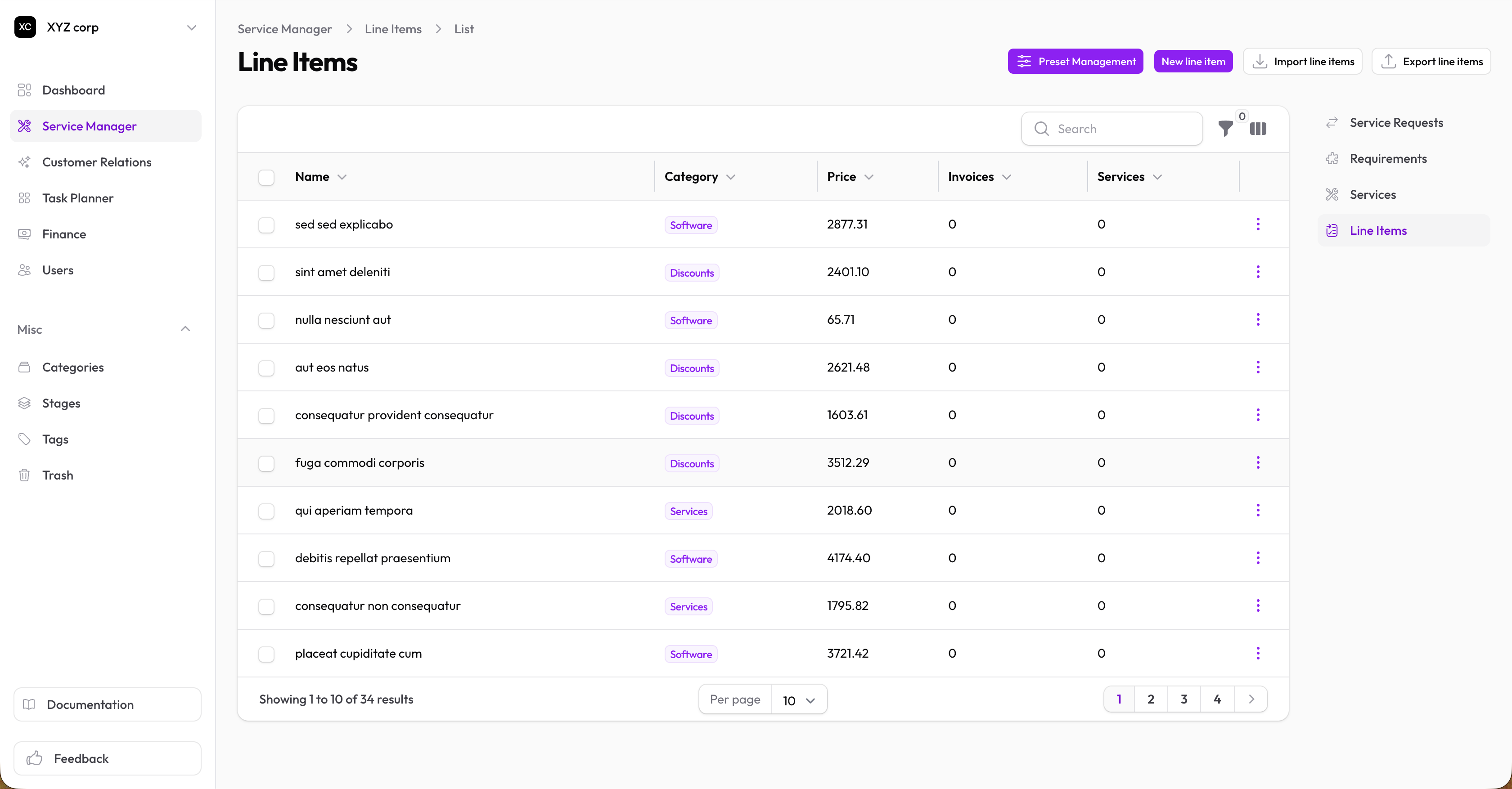
Creating a Line Item
- Go to Service Manager → Line Items
- Click New Line Item
- Fill in:
- Name — What the item is (e.g., "Consultation Hour", "Document Preparation")
- Category — Optional grouping (see Categories)
- Price — Unit price
- Description — Optional details
- Click Create
Examples
| Name | Category | Price |
|---|---|---|
| Consultation Hour | Consulting | $150.00 |
| Document Preparation | Documents | $75.00 |
| Filing Fee | Fees | $25.00 |
| Express Processing | Add-ons | $50.00 |
Editing a Line Item
- Find the line item in the list
- Click Edit
- Make changes and save
Note: Changing a line item's price here updates the master definition. Existing services using it may need review.
Deleting a Line Item
Click Delete to remove. This doesn't affect services that already include it.
Using Line Items in Services
Add line items to services to build pricing:
- Edit a service
- In the Line Items section, click Add
- Select the line item
- Set the Quantity
The service subtotal is calculated as: Sum of (Line Item Price × Quantity)
Price Calculation
Services calculate the final price as:
| Step | Description |
|---|---|
| Subtotal | Sum of line items |
| + Pre-tax Levies | Percentage or fixed charges |
| − Discount | Percentage or fixed discount |
| + Tax | Applied to the above |
| = Total | Final price |
Tax settings are configured in your organization's settings.