Products
The product catalogue is where you define everything you sell. Each product can have one or more variants — the specific SKUs that carry stock.
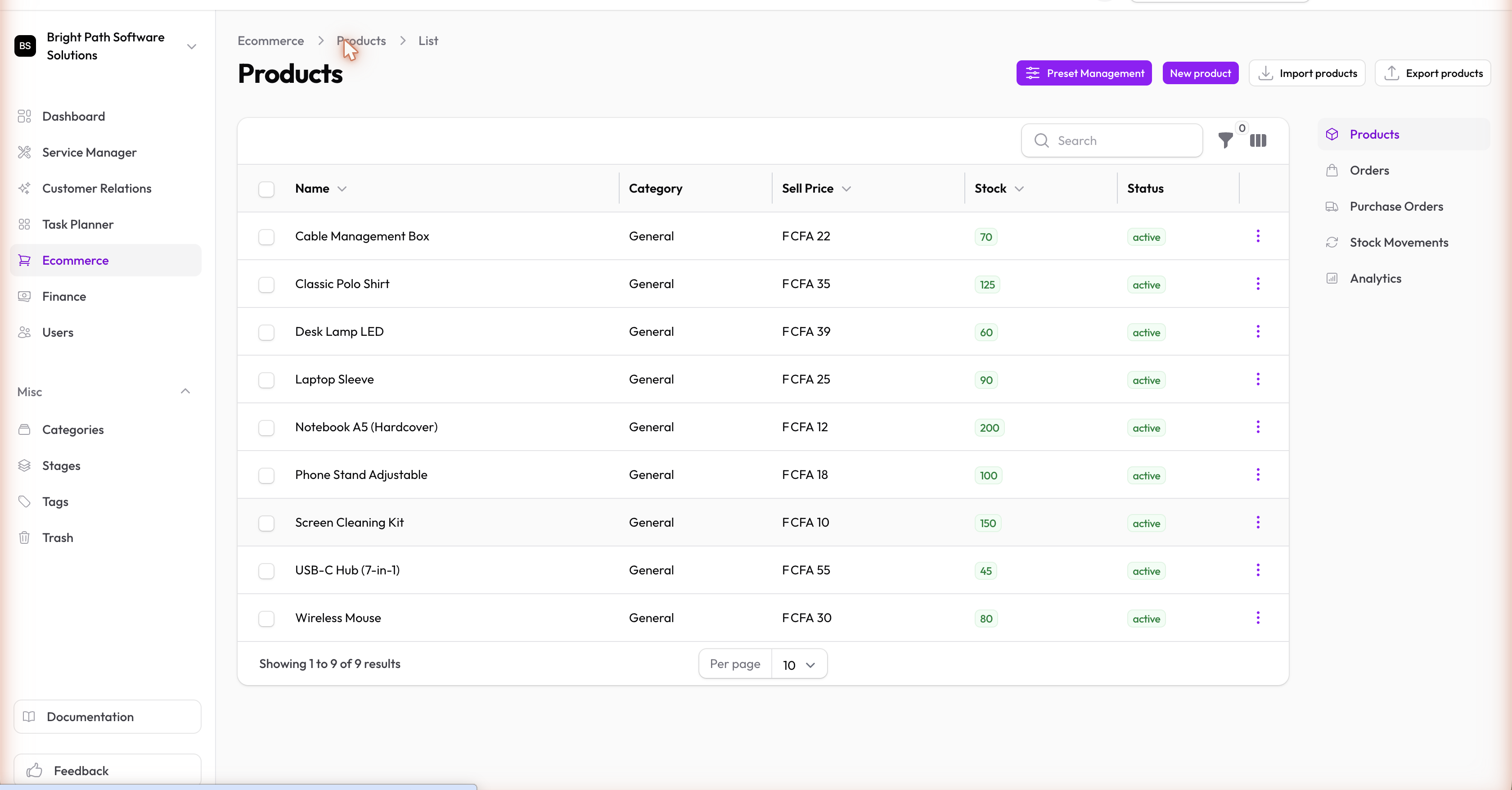
Products vs Variants
| Concept | What It Is |
|---|---|
| Product | The top-level catalogue entry — name, description, and default pricing |
| Variant | A specific version of that product (e.g. "T-Shirt / Blue / Large") with its own SKU, price, and stock level |
If a product has no meaningful variations, you can treat it as a single variant.
Creating a Product
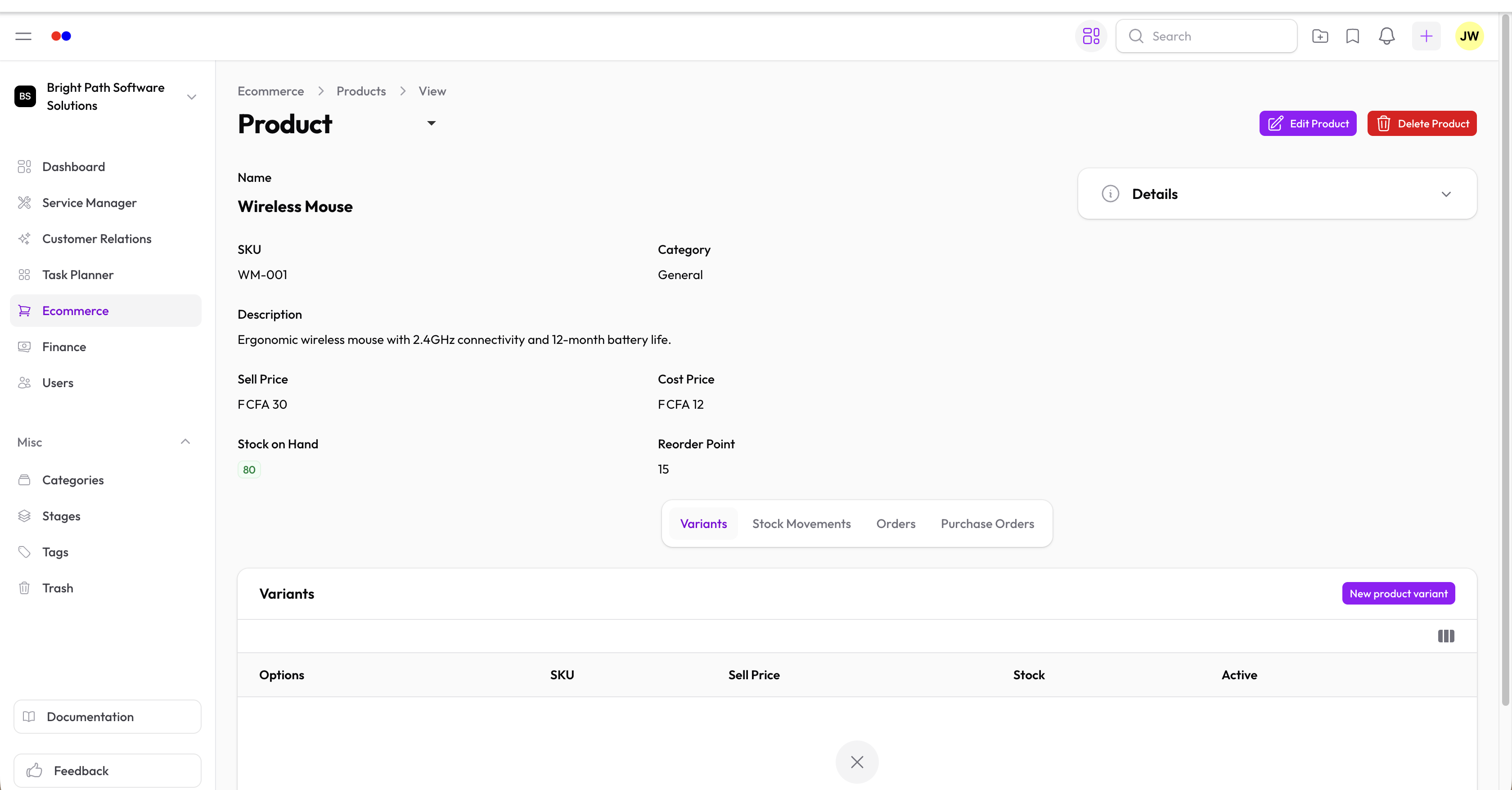
When creating a product, you set:
- Name and Description — displayed to your team and on orders
- Default price — can be overridden per variant
- Variants — add at least one; each variant has its own SKU, price, stock quantity, and reorder point
Reorder Points
Set a reorder point on each variant to trigger a low-stock alert in Analytics. When stock drops to or below this value, the variant appears in the Low Stock widget on the Analytics page.
Quick Steps
- Go to Ecommerce → Products and click New product
- Fill in the name and description
- Add variants — each with a SKU, price, and starting stock quantity
- Set reorder points so you're alerted before stock runs out