
Stock Movements
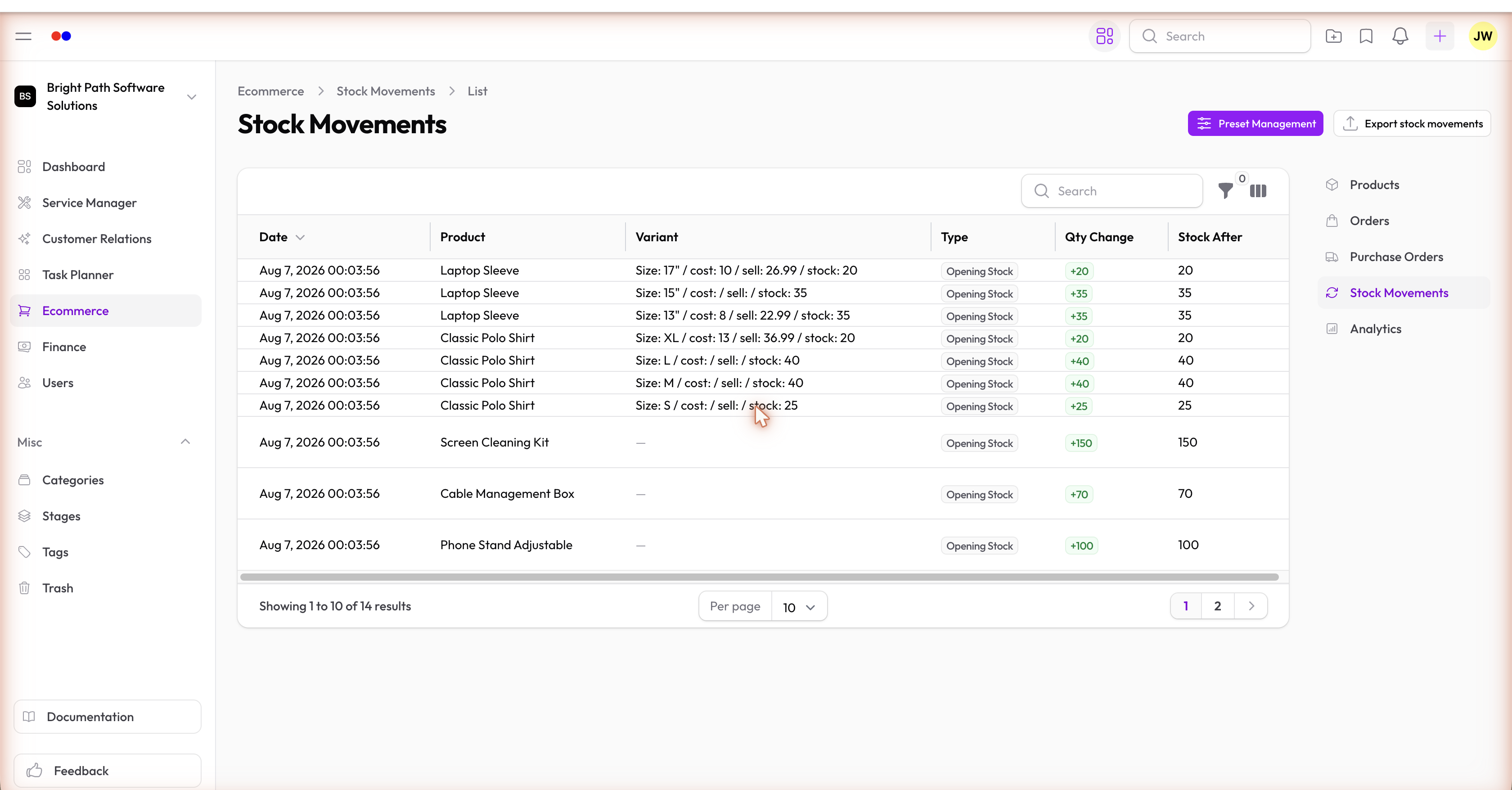
Every change to a variant's stock quantity is recorded as a Stock Movement. This gives you a complete audit trail of all stock changes.
Movement Types
| Type | Triggered By |
|---|---|
| Stock Out | Order marked Shipped or Delivered |
| Stock In | Purchase Order marked Received |
| Adjustment | Manual stock correction |
Each movement records the date, type, quantity change, and the order or purchase order that triggered it.
Manual Adjustments
If you need to correct stock — due to damage, a count discrepancy, or an initial stock entry — create a manual stock adjustment directly from the Stock Movements list. Add a note to explain the reason.
Reading the Log
The stock movements list shows the running history for all variants. Filter by variant or date range to audit a specific product's stock history.