
Purchase Orders
A Purchase Order (PO) records stock you're buying from a supplier. When marked as received, stock quantities are updated automatically.
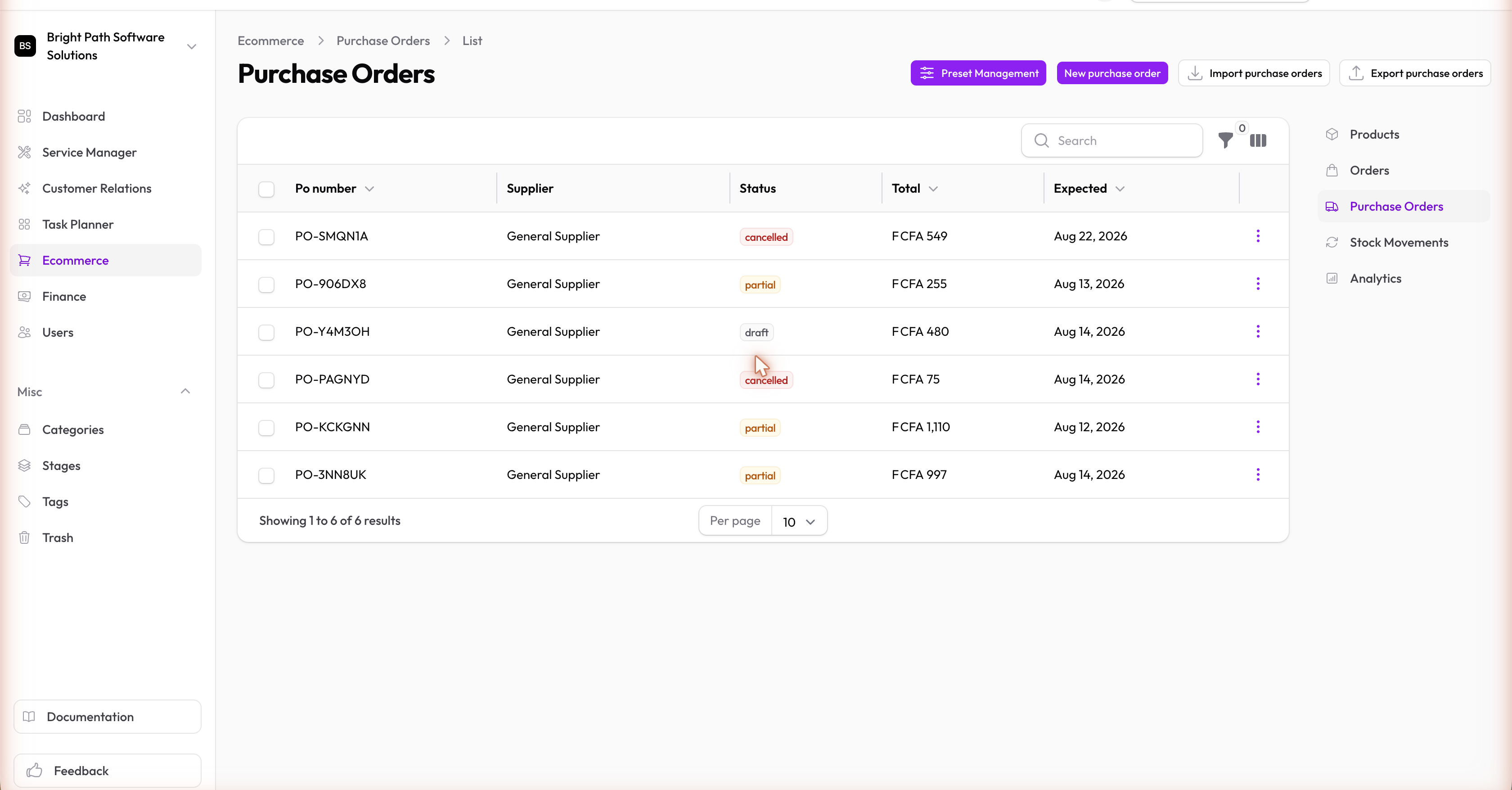
PO Statuses
| Status | Meaning |
|---|---|
| Draft | Being prepared, not yet sent to supplier |
| Ordered | Sent to supplier and awaiting delivery |
| Received | Goods received; stock has been updated |
| Cancelled | PO cancelled before receipt |
When a PO is marked Received, a stock movement (stock in) is automatically logged for each line item, increasing the variant's stock quantity.
Creating a Purchase Order
- Go to Ecommerce → Purchase Orders and click New purchase order
- Select the Supplier — a User or Contact in your organization
- Add line items — the product variants you're ordering and the quantities
- Set status to Ordered when you've sent it to the supplier
- Mark Received when the goods arrive — stock updates automatically