
Income Statement
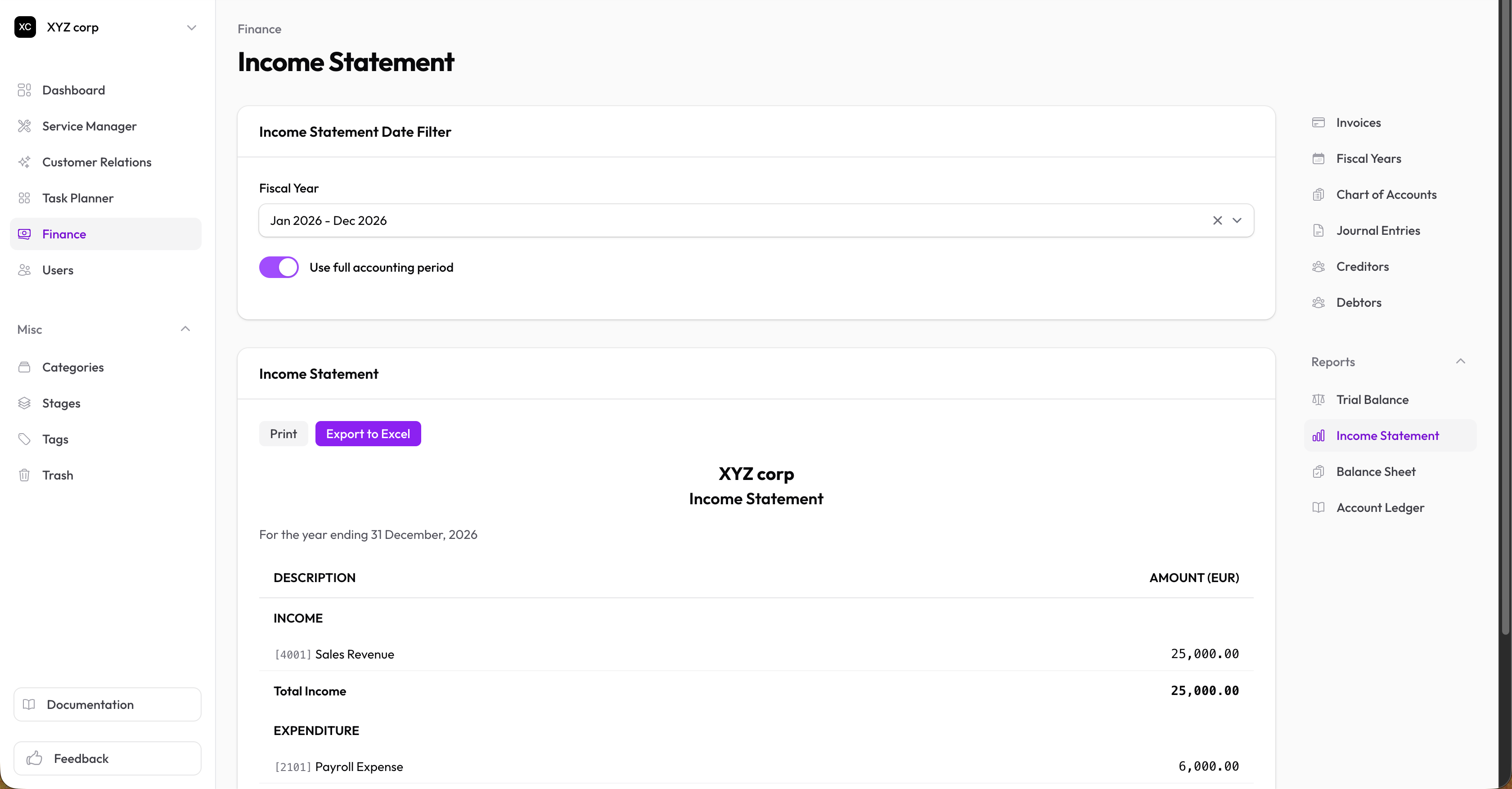
The income statement (profit & loss) shows your organization's financial performance over a period.
Accessing the Report
Go to Finance → Reports → Income Statement
Reading the Report
Income Section
Lists all income accounts with their credit balances:
- Sales Revenue
- Service Income
- Interest Income
- Other Income
Total Income = Sum of all income
Expenses Section
Lists all expense accounts with their debit balances:
- Salaries & Wages
- Rent
- Utilities
- Supplies
- Other Expenses
Total Expenses = Sum of all expenses
Net Result
| Result | Meaning |
|---|---|
| Surplus | Income > Expenses (profit) |
| Deficit | Expenses > Income (loss) |
| Break Even | Income = Expenses |
Net Income = Total Income − Total Expenses
Filtering
Select a Fiscal Year to view the income statement for that period.
When to Use
Review the income statement:
- Monthly to track performance
- Quarterly for management review
- Annually for year-end reporting
- When making financial decisions