
Organization Settings
Configure your organization's profile, integrations, and feature settings.
Accessing Settings
Click your organization name in the sidebar, then select Organization Settings.
Looking for billing? Subscription, seats, and Stripe portal management live on the Plans & Billing page (
/billing), not in this settings panel.
General
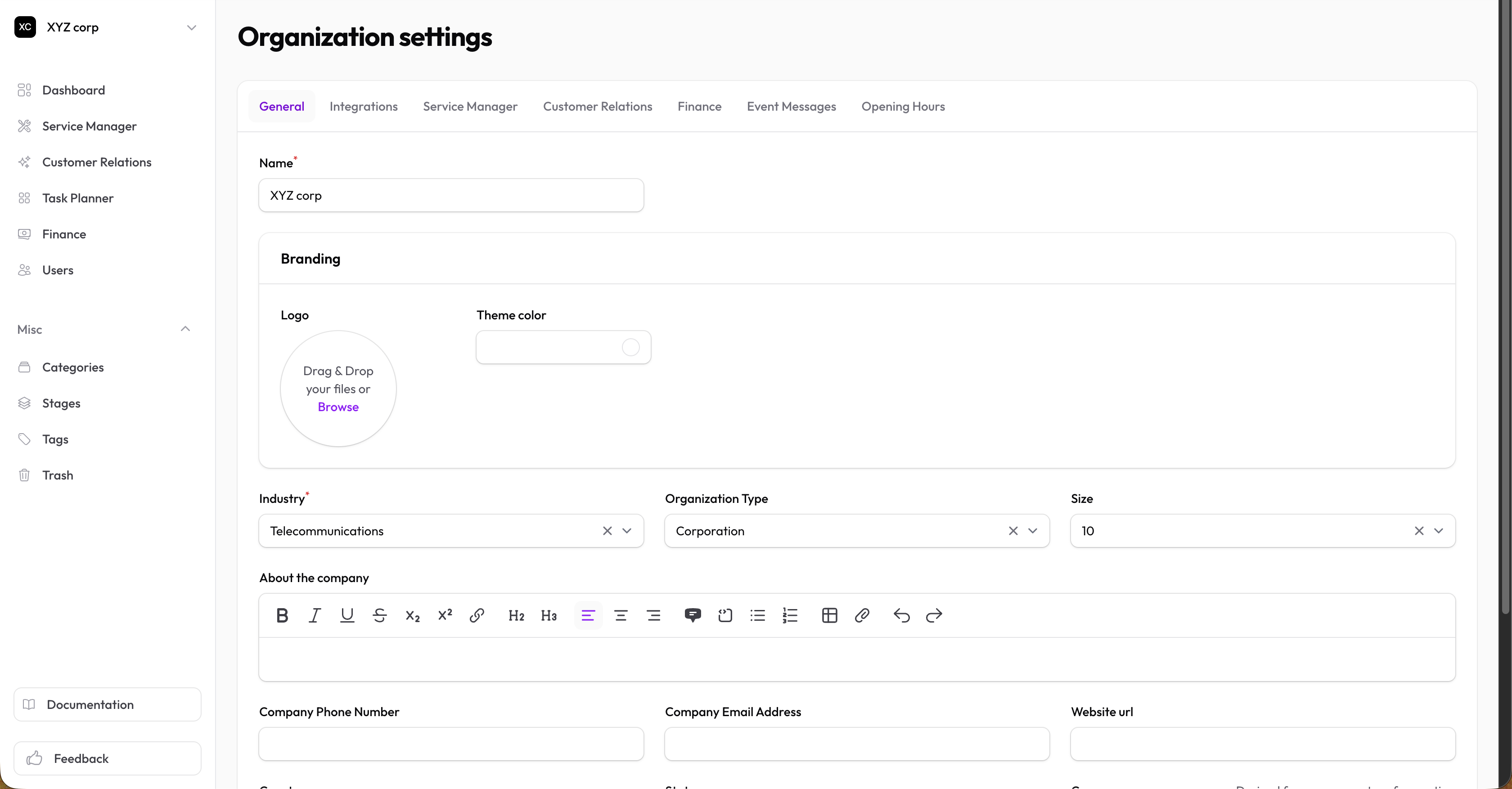
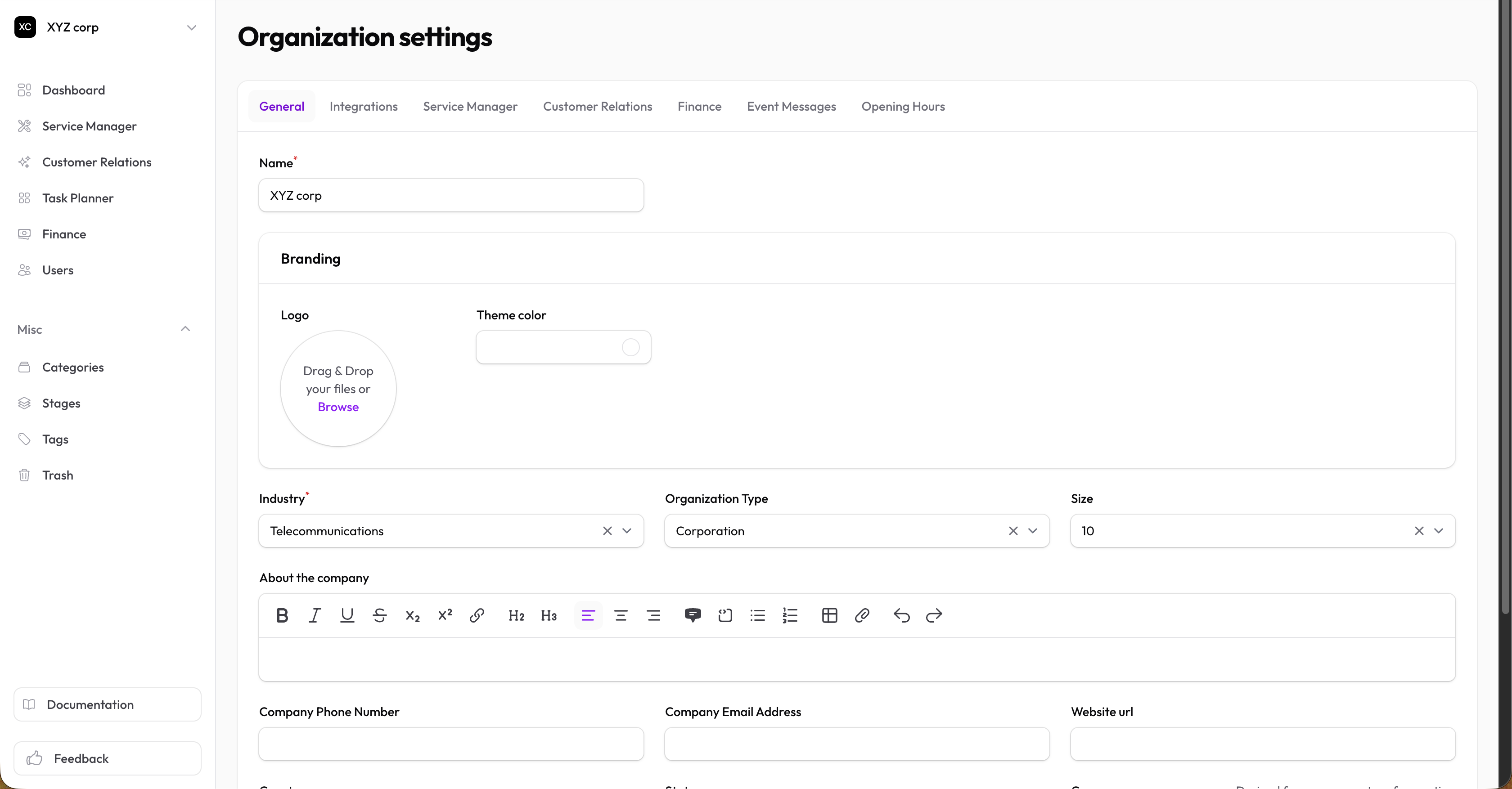
Basic organization information:
| Setting | Description |
|---|---|
| Name | Organization name (required) |
| Logo | Your organization's logo (displayed in the app and on the marketplace) |
| Theme Color | Primary brand color used across the app and your marketplace listing |
| Industry | Required — your business sector |
| Type | Freelance, Corporation, LLC, Partnership, Sole Proprietorship, Non-profit, or Other |
| Size | Approximate headcount (1–10, 11–50, 51–100, etc.) |
| About | Rich-text description shown on your marketplace profile |
| Contact Info | Phone, email, website |
| Location | Country, state, address, city, zip |
| Currency | Default currency for pricing (overrides the country default if set) |
Integrations
Connect external services:
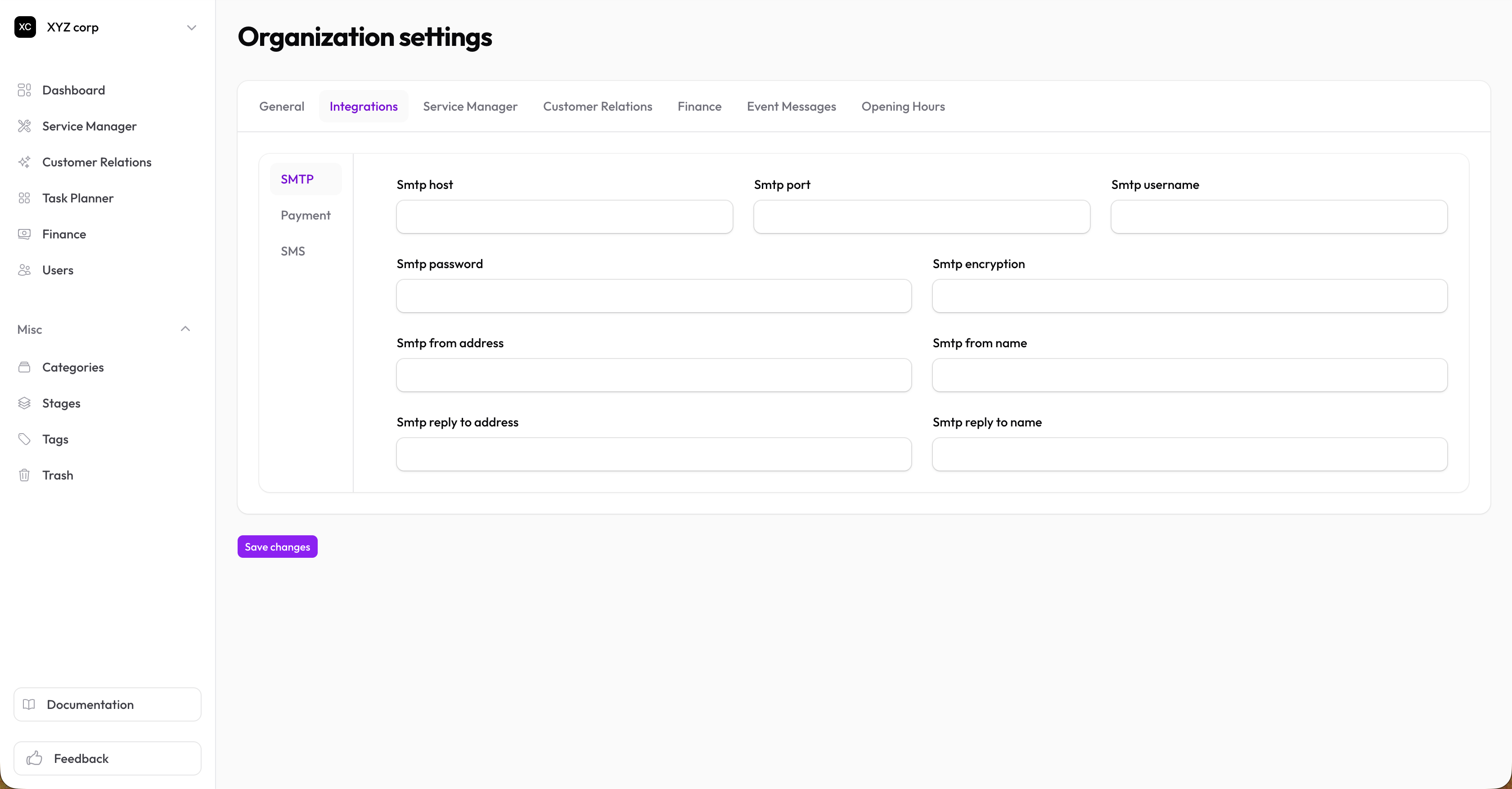
SMTP (Email)
Configure custom email sending so transactional emails (invitations, invoice notifications, etc.) appear from your domain. Includes host, port, username, password, encryption, from-address/name, and reply-to-address/name.
Payment Gateways
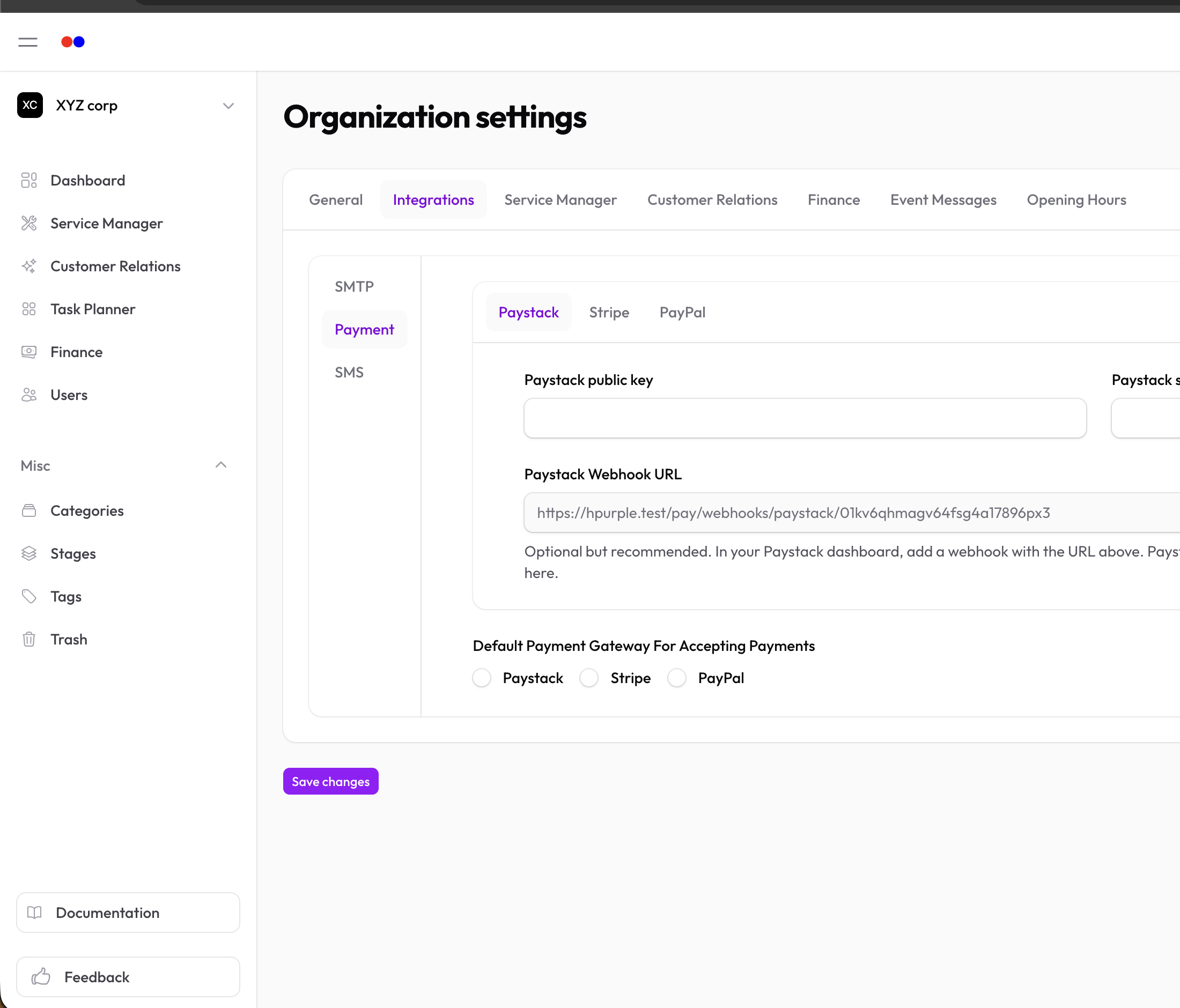
Accept payments via:
- Paystack — Public and secret keys
- Stripe — Public and secret keys
- PayPal — Client ID and secret
Choose which gateway is the default for new invoices.
SMS
Send text messages via:
- Arekesel — API keys
- Twilio — SID and auth token
Service Manager
Service Requests
| Setting | Description |
|---|---|
| Request ID Prefix | Text before request IDs (e.g., "REQ") |
| Request ID Format | Auto-increment, random, or custom |
| Create Tasks from Requests | Automatically create tasks when requests are made |
Customer Relations
Lead Scoring
| Setting | Description |
|---|---|
| Source weights | Points awarded per lead source (Referral, LinkedIn, Website, Email, Phone, Social, Other) |
| Outreach Status weights | Points awarded per outreach stage — use a negative value to penalize a stage (e.g. Not Interested) |
| Engagement Recency | Bonus points while a lead has had an interaction logged within a configurable window (in days) |
These control how each lead's Score is calculated. Values are plain points, not percentages — a lead's total score is the sum of matching weights, capped to 0–100. Click How lead scoring works at the top of this tab for a quick explainer.
Tickets
| Setting | Description |
|---|---|
| Ticket Number Prefix | Text before ticket numbers |
| Ticket Number Format | Auto-increment or random |
| Create Tasks from Tickets | Automatically create tasks for new tickets |
Finance
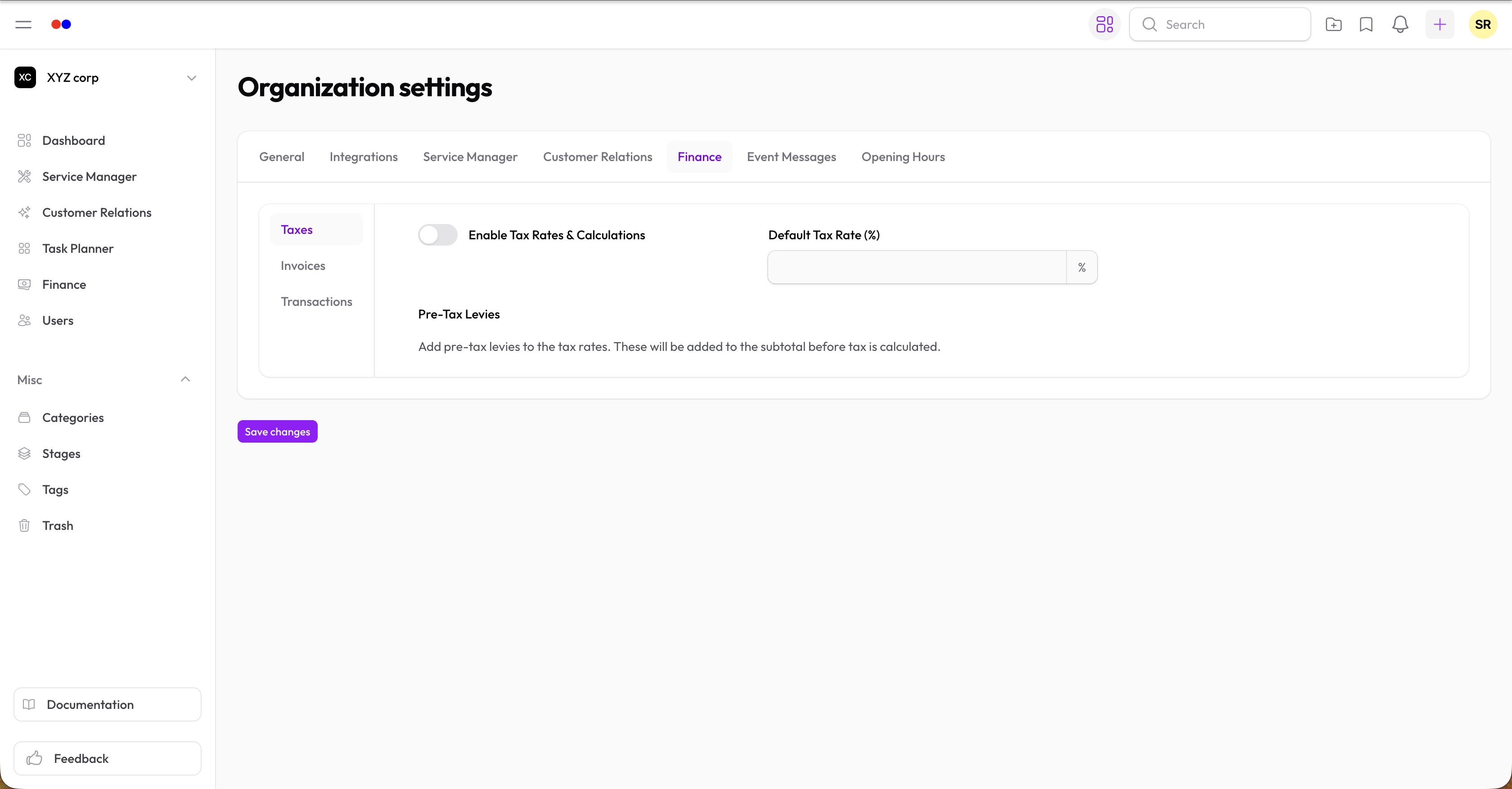
Taxes
| Setting | Description |
|---|---|
| Tax Enabled | Turn tax calculations on/off |
| Default Tax Rate | Percentage applied to taxable items |
| Pre-Tax Levies | Additional charges before tax (percentage or fixed) |
For Ghana, common levies like NHIL, GETFUND, and COVID-19 are pre-configured.
Invoices
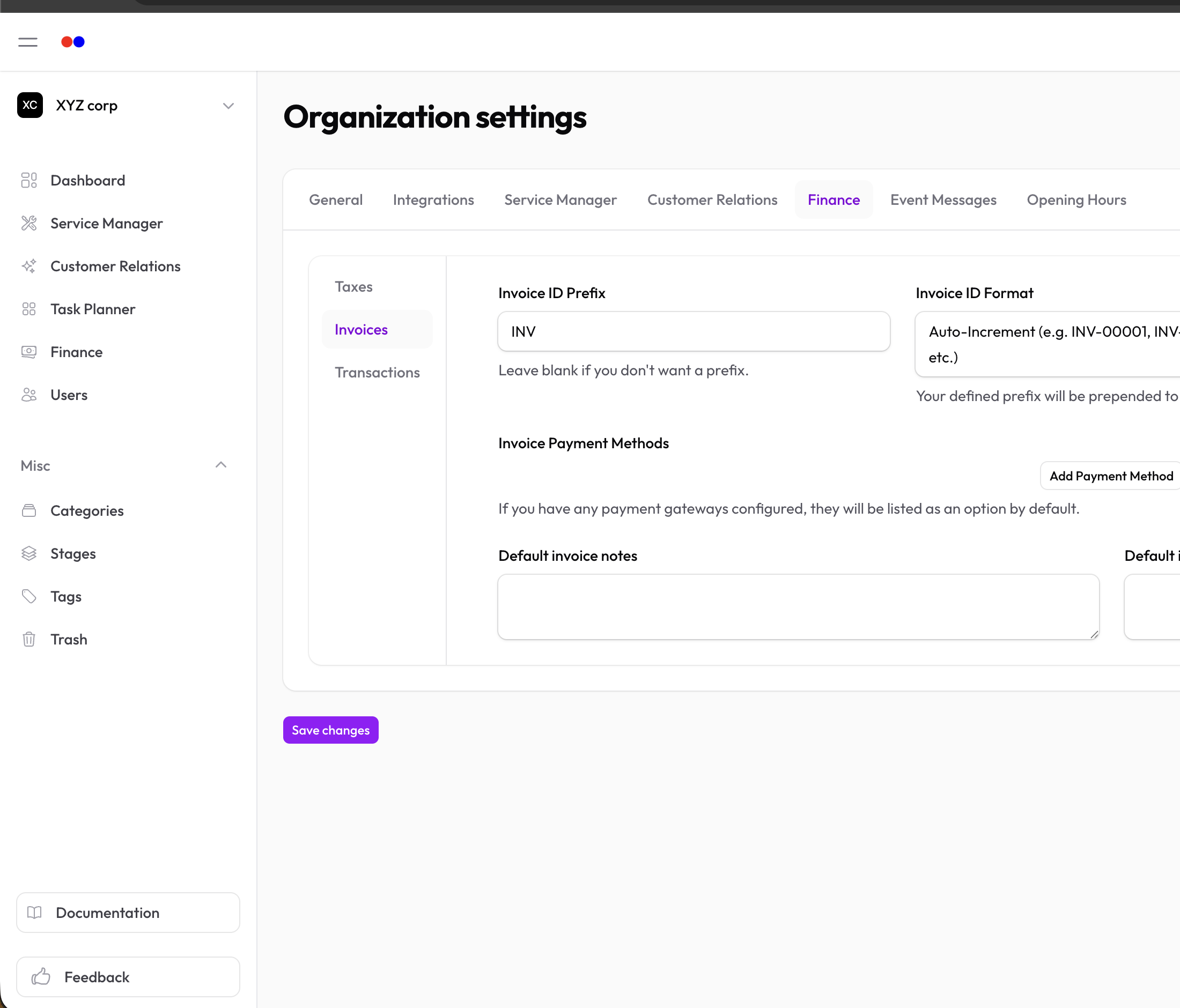
| Setting | Description |
|---|---|
| Invoice ID Prefix | Text before invoice numbers |
| Invoice ID Format | Auto-increment, random, or custom |
| Allow Backdating | Permit setting past issue dates |
| Payment Methods | Available payment options (Cash, Bank Transfer, etc.) — gateways you've configured are listed by default |
| Default Notes | Standard notes on invoices |
| Default Terms | Standard terms and conditions |
Event Messages
Customise the messages shown to clients (and used in notifications) when key events fire:
- New Service Request — message used when a request is created
Opening Hours
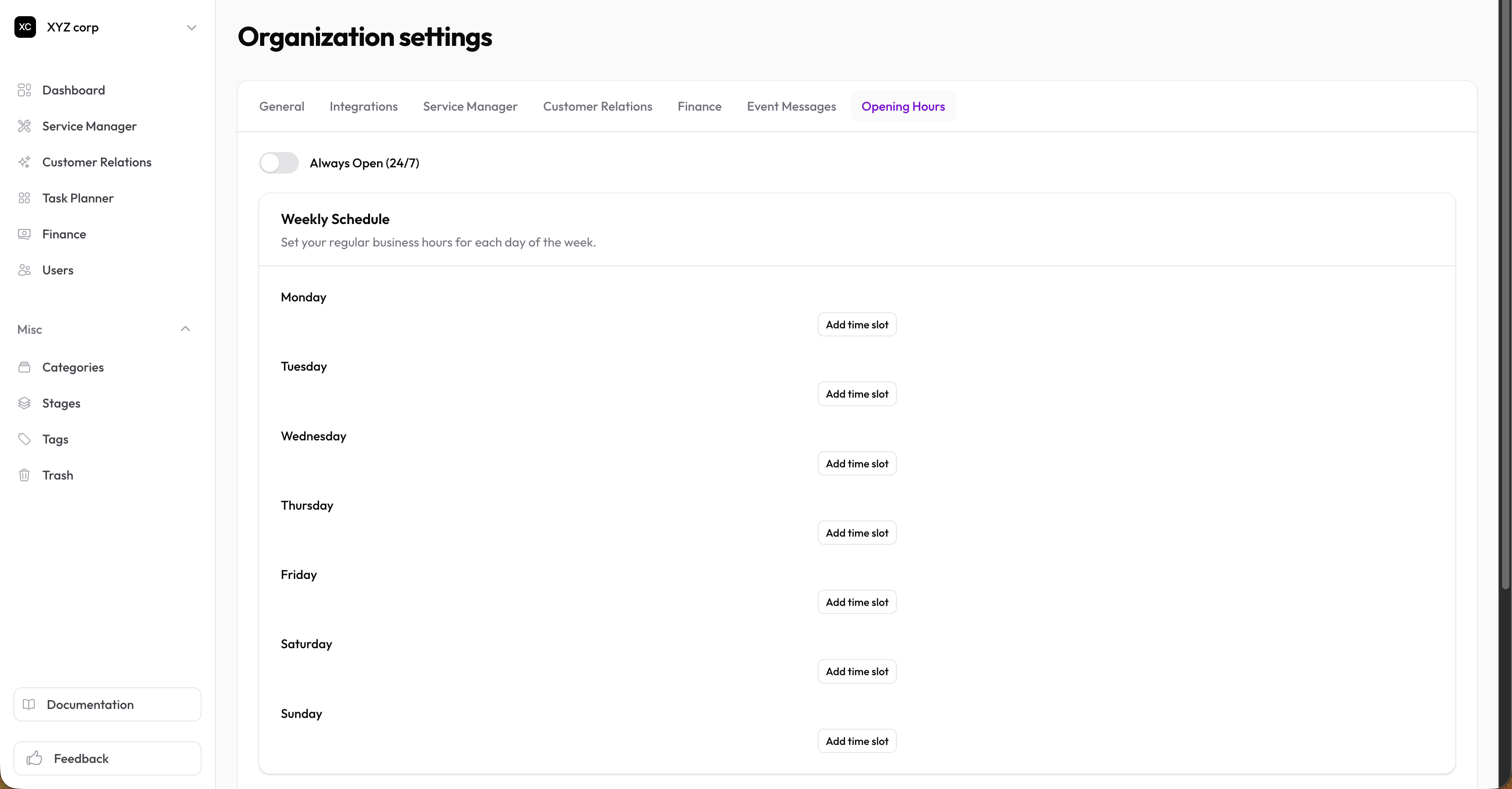
Set your business hours — these appear on your Marketplace company profile.
- Always Open (24/7) — toggle to skip the schedule entirely
- Weekly Schedule — add one or more time slots per day (e.g., 09:00–13:00, 14:00–17:00)
- Holiday Exceptions — specify date overrides (
YYYY-MM-DDfor one-off,MM-DDfor yearly recurring); each can be marked closed all day or have its own opening/closing times
Tips
- Industry is required — it drives the starter content we seed for new orgs and powers industry filters in the marketplace.
- Logo and theme color are also used on PDF invoices and the Client Portal, so spending a minute on branding pays off.
- Email and SMS gateway credentials are stored encrypted; only owners should have access to organization settings.