
Stages
Stages are workflow steps used across two parts of the platform: deals in Customer Relations, and service requests in Service Manager. Both share the same Stages resource, but they work differently.
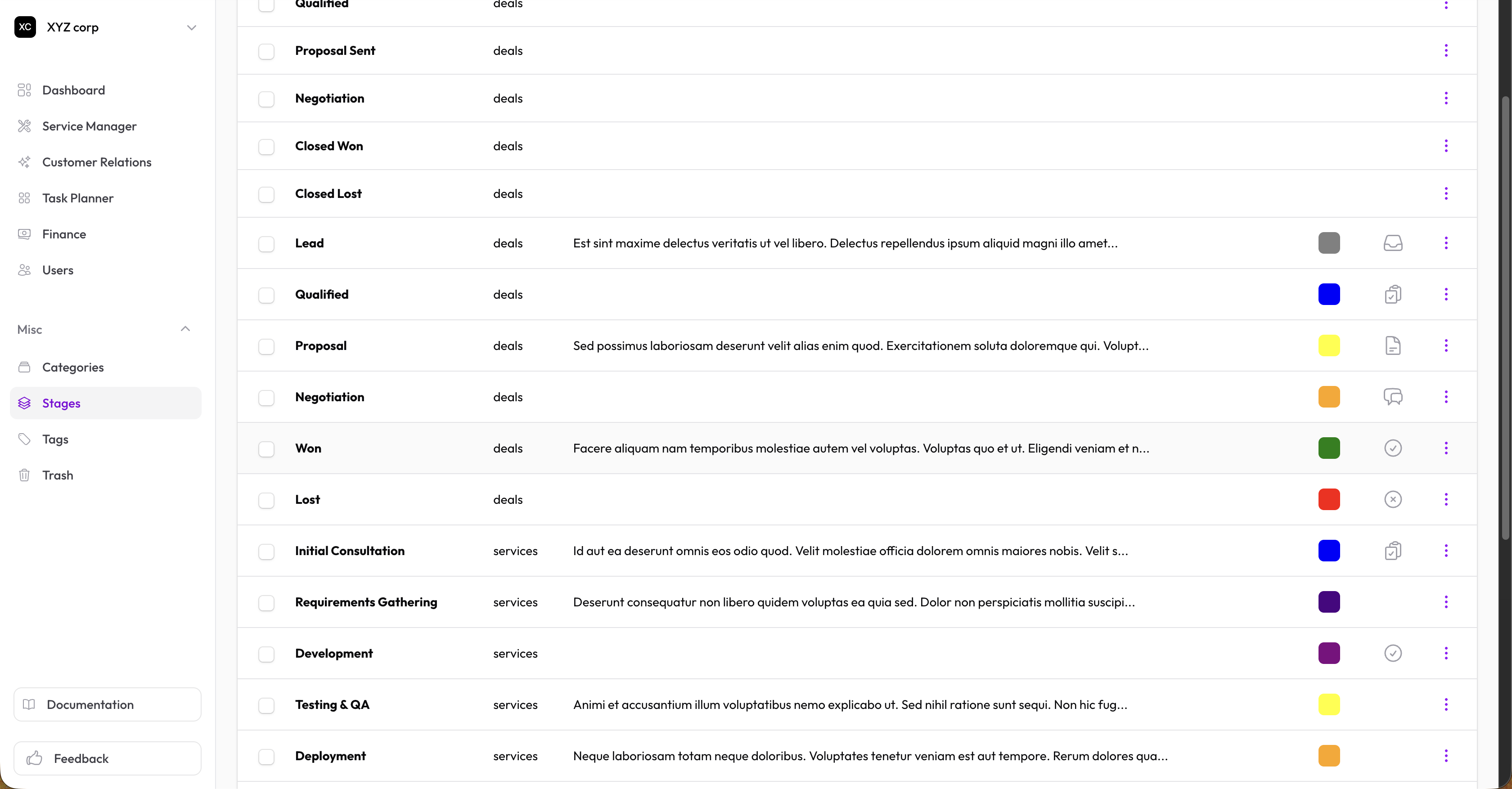
Stage Types
| Type | Used in | Scoped to |
|---|---|---|
| Deals | Sales pipeline (Deals, Pipeline Board) | A specific Pipeline |
| Services | Service request workflow | A specific Service |
Deal Stages
Deal stages are the columns on a Pipeline Board. Each stage belongs to exactly one pipeline.
Creating a deal stage
You can create deal stages in three ways:
- From the Pipeline Board — Open the column menu (⋮) → New stage in the page header
- From the deal form — In the Stage dropdown, choose Create new stage. The pipeline you selected on the form is pre-filled as the stage's pipeline.
- From Stages (Miscellaneous) — Set the type to Deals and select the pipeline it belongs to.
Configuration
- Name — What this stage represents (e.g., "Proposal", "Negotiation")
- Pipeline — Which pipeline this stage appears in (required for deal stages)
- Color — Visual color for the column header and stage badge
- Order — Use Move left/right on the board to reorder
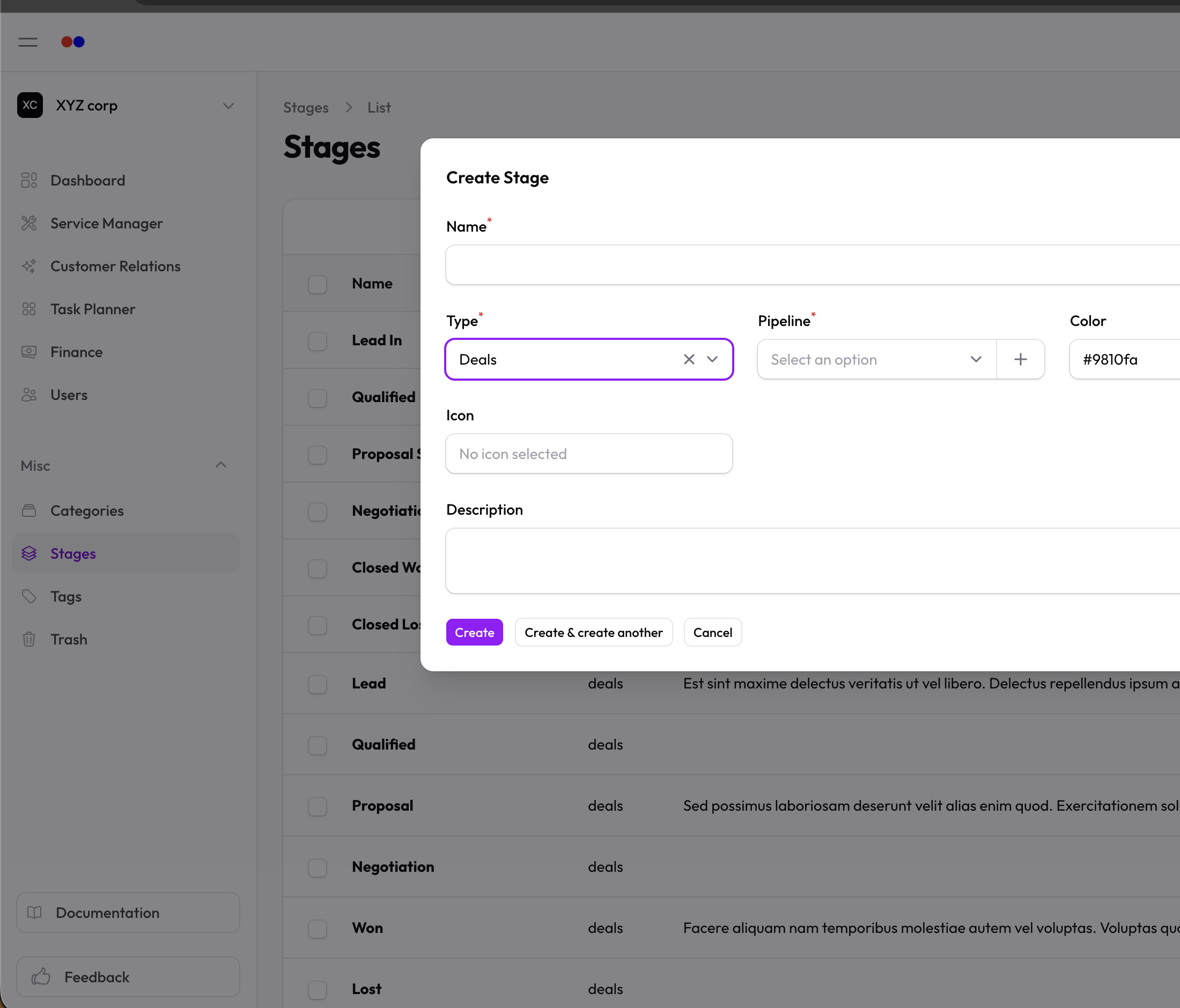
Service Stages
Service stages track the progress of a service request through a defined workflow.
Creating a service stage
Service stages are typically created when setting up a service:
- Edit a service
- In the Stages section, create or attach stages
- Configure:
- Name — What this stage represents (e.g., "Document Review")
- Color — For visual identification
- Icon — Optional icon
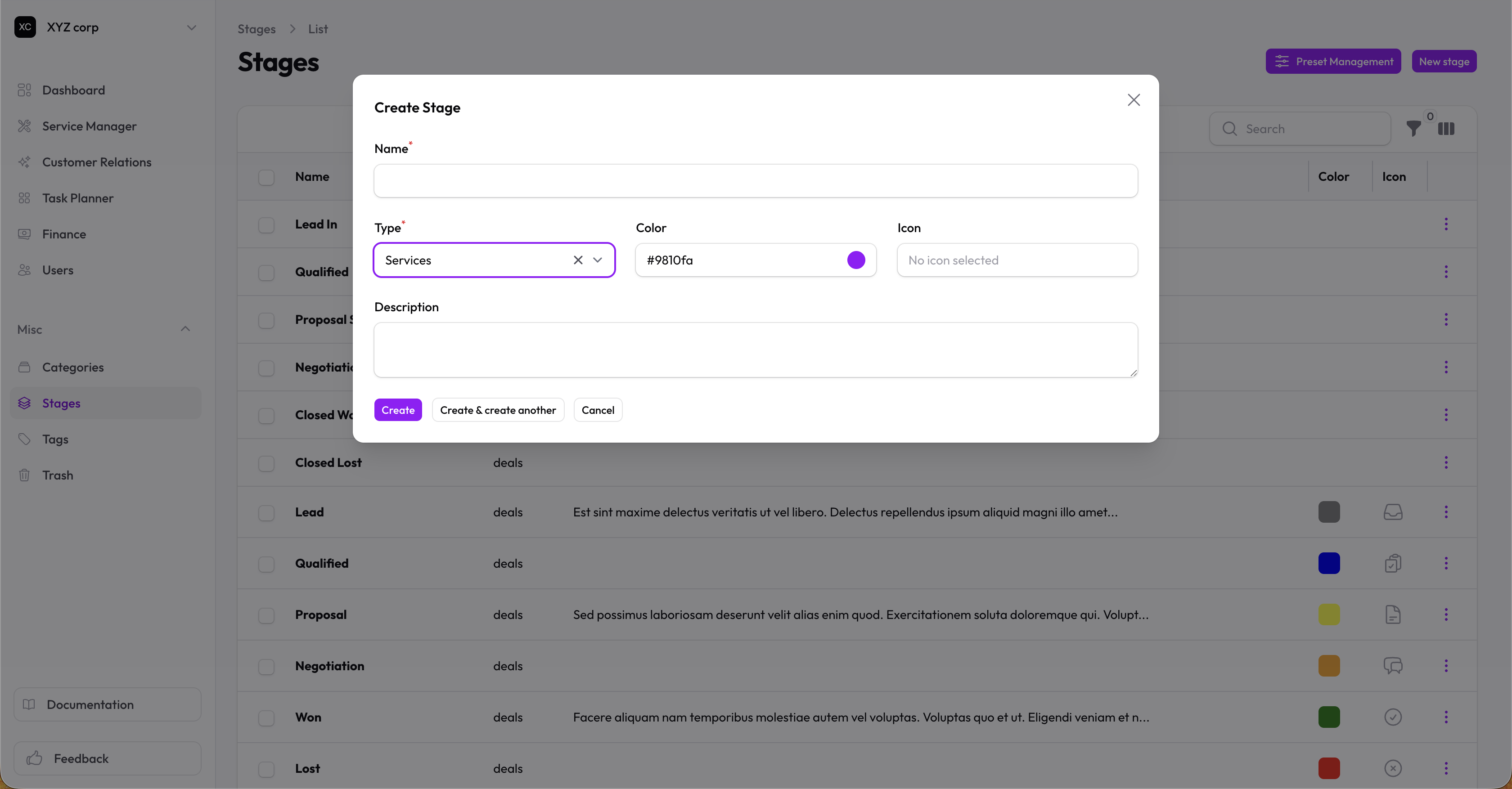
Example service stages
| Stage | Color | Purpose |
|---|---|---|
| Received | Gray | Initial stage for new requests |
| In Review | Blue | Being reviewed by team |
| Awaiting Client | Yellow | Waiting for client input |
| Processing | Blue | Active work in progress |
| Complete | Green | Work finished |
Using service stages in requests
When a service request is created, it starts in the service's default stage. Update the stage as work progresses — only stages configured for that service appear in the dropdown.
Stages vs. Status
| Stages | Status | |
|---|---|---|
| Purpose | Track workflow steps | Track overall state |
| Custom | Yes — per pipeline or per service | No — system-defined |
| Examples | "Proposal", "Document Review" | Open, Won, Lost / Pending, Completed |
Use stages for detailed workflow tracking. Use status for the overall record state.