
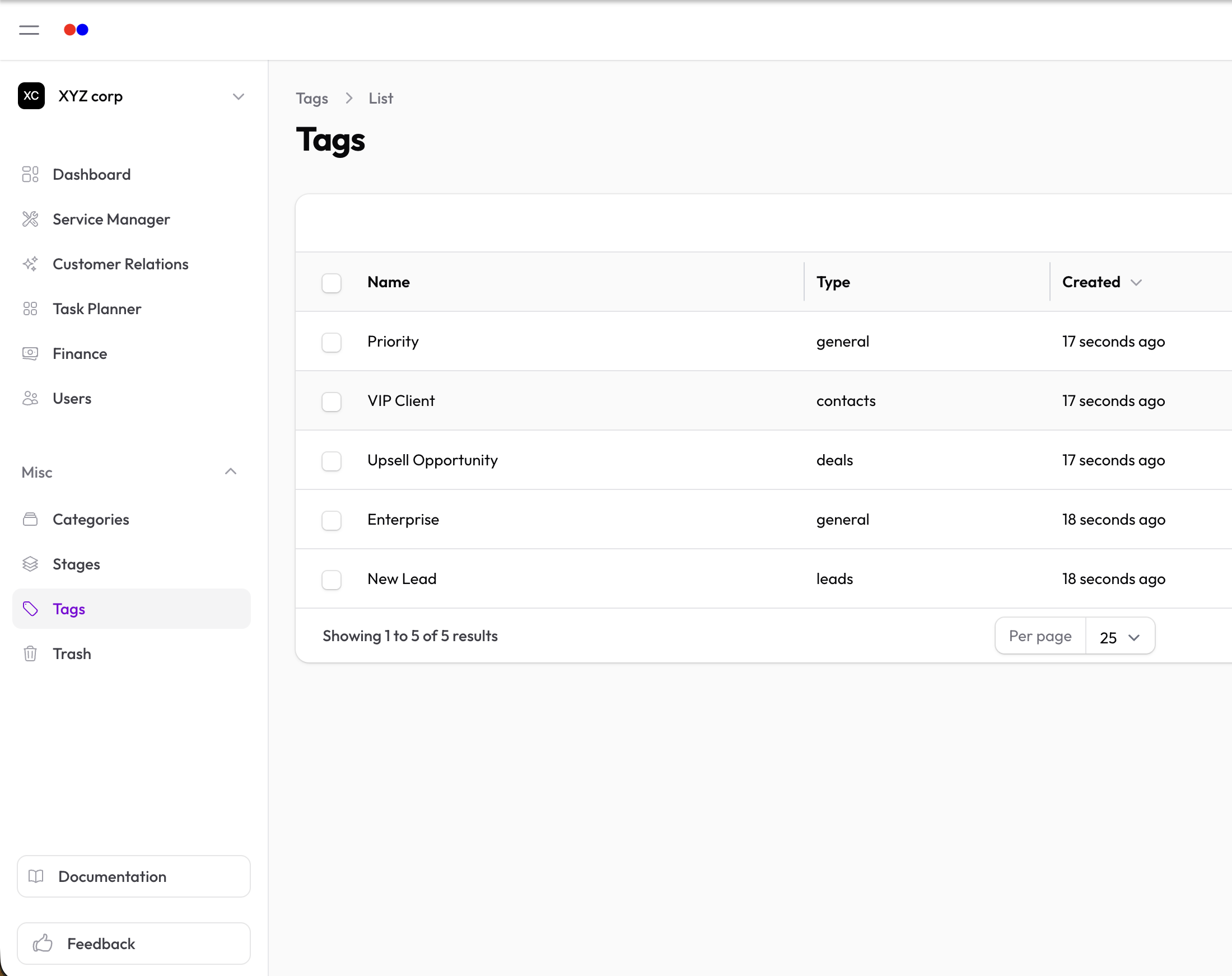
Tags
Tags let you label and categorize records for easier filtering and organization.
Using Tags
Tags can be added to various records throughout the application:
- When viewing or editing a record, look for the Tags field
- Select existing tags or create new ones
- Save the record
Benefits
- Quick filtering — Find records by tag
- Flexible organization — Apply multiple tags to any record
- Cross-cutting categories — Group records that don't fit neatly into other structures
Tips
- Keep tag names short and consistent
- Use tags for temporary or cross-functional groupings
- Combine with filters for powerful searching