
Trash
When you delete records, they're moved to Trash instead of being permanently removed. This allows you to recover accidentally deleted items.
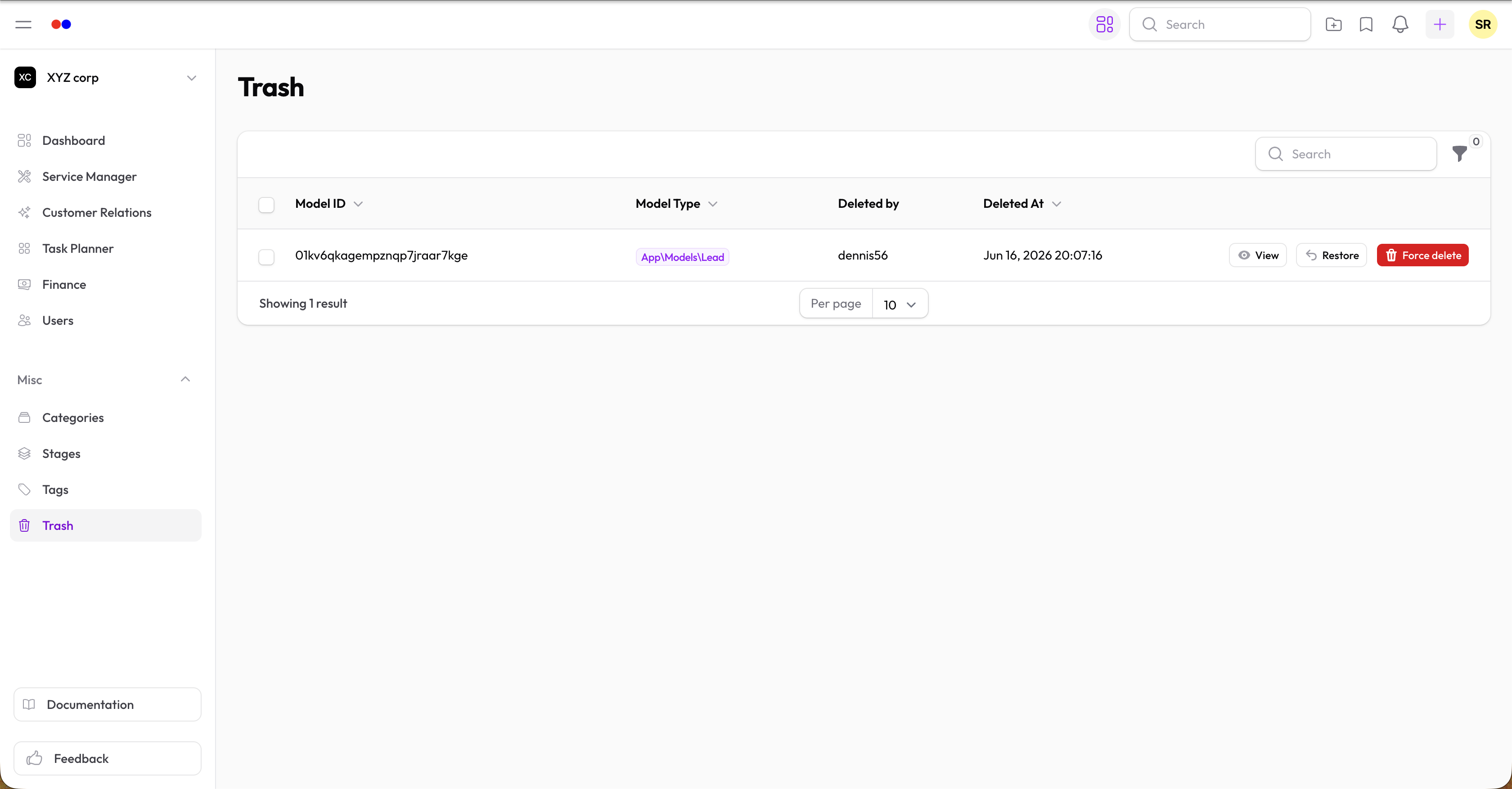
Accessing Trash
Navigate to Misc → Trash in the sidebar to view deleted records.
Restoring Records
- Go to Trash
- Find the record you want to restore
- Click Restore
The record will be moved back to its original location.
Permanent Deletion
To permanently delete a record:
- Go to Trash
- Find the record
- Click Force Delete
Warning: Permanent deletion cannot be undone.
What Goes to Trash
Most deletable records are soft-deleted:
- Services
- Service Requests
- And other records throughout the app
Some records may be permanently deleted immediately depending on configuration.